 Hairset
What an AI hairstyle changer actually does
Old hairstyle apps pasted a cut-out wig on top of your head. You could tell from across the room: the hairline floated, the lighting didn’t match and the hair ignored the shape of your skull. An AI hairstyle changer works differently. It reads your photo, keeps everything that makes you you (face, skin, expression, background) and generates new hair in its place, lit the way your photo is lit.
That matters because the question you’re really asking is not “is this a nice haircut?” but “is this a nice haircut on me?”. A wolf cut on a model with a long oval face tells you very little about how it sits on a round face with fine hair. Seeing it on your own photo does.
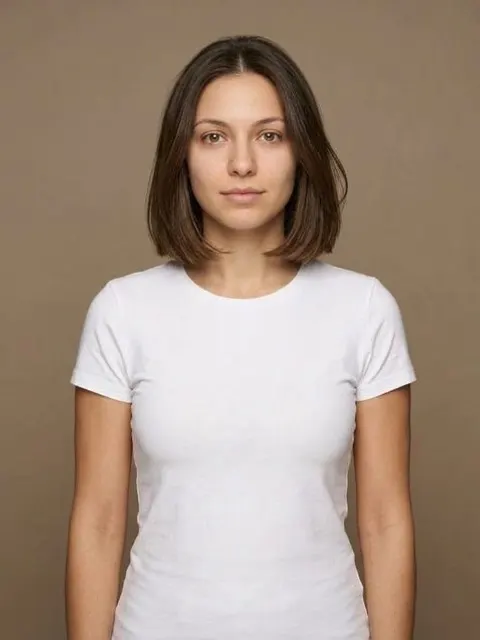
 After

 After

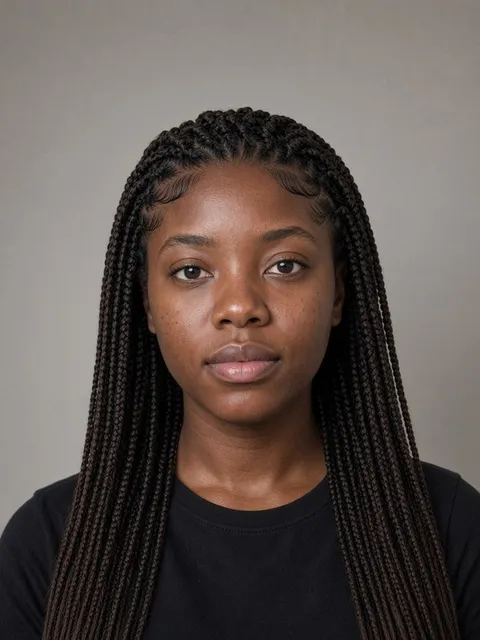 After
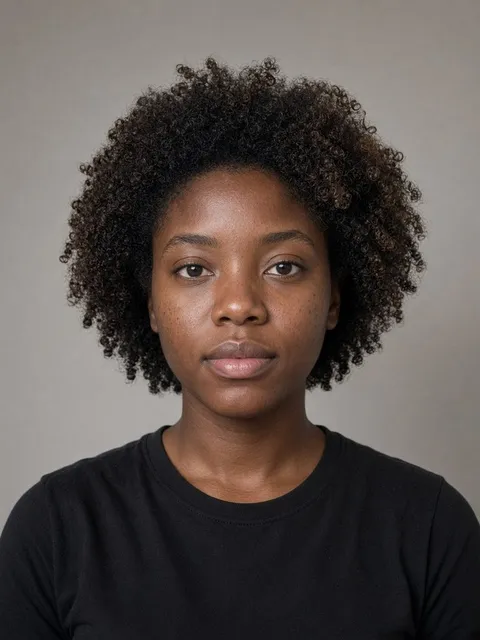
 After

How to try on hairstyles with Hairset
- Take a selfie in daylight, facing the camera, hair pushed back off your face if you can. Hairset checks the photo before it renders, so a blurry or dark shot gets flagged instead of wasting a look.
- Pick a style. Browse by length, by trend, by occasion, or let the face-shape analysis shortlist the cuts that balance your features. You can also upload a photo of a cut you saw somewhere and wear that.
- Compare and decide. Slide between before and after, put three looks side by side, save the ones you like. Every look comes with a stylist card you can show your barber or hairdresser.
Haircuts people try on the most
These are the cuts that get tried on before a big change, usually because they’re hard to undo. Tap any of them for a full guide: who it suits, how to ask for it and how much upkeep it takes.


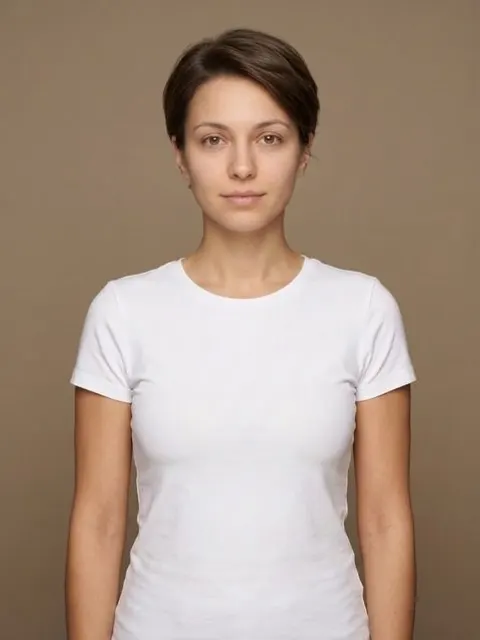
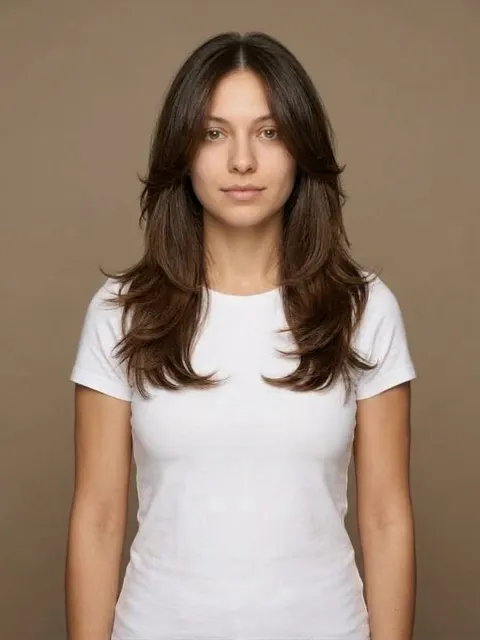

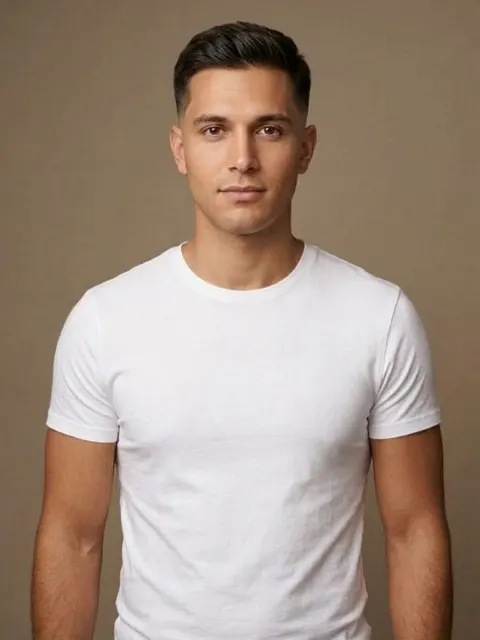

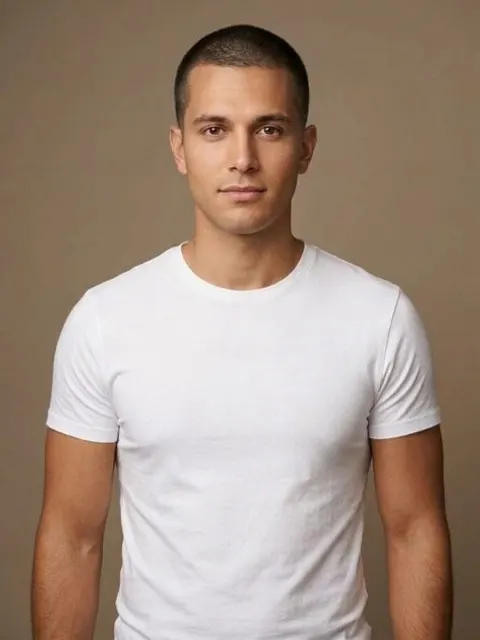



Free online hairstyle changers vs. an app
There are plenty of free websites that will put a hairstyle on your photo. Some are fine for a laugh. Before you trust one with a real decision, check three things:
- Does it keep your face? Many generators quietly “improve” the face too: smoother skin, a different jaw, sometimes a different person. A preview of someone else is useless.
- Does it respect texture? Curly, coily and very fine hair are where cheap tools fall apart. Look at the edges and the hairline, not just the overall shape.
- What happens to your photo? A selfie of your face is personal data. Read where it goes and when it’s deleted.
Hairset is built around those three. The render keeps your features, the catalog covers straight, wavy, curly, coily and protective styles, and your photo is used only to make your looks: online they stay in your own account until you delete them, and in the app the selfie is deleted within 24 hours unless you save a look. It runs in your browser at hairset.app/app, on a phone or a computer, and as an iPhone app. You sign in with your email and a one-time code, with no password, so the free look can’t be farmed and your looks are there on any device.
| Overlay filter apps | Free web generators | Hairset | |
|---|---|---|---|
| Keeps your face | Yes, but the hair looks pasted on | Often changes it | Yes, by design |
| Curly and coily hair | Poor | Hit and miss | Dedicated textures and protective styles |
| Men’s cuts and beards | A handful | Varies | Fades, crops, flow and 30 beard styles |
| Tells you what suits you | No | No | Face shape and color season from one selfie |
| Something to show your stylist | A screenshot | A screenshot | A stylist card with lengths and technique |
| Your photo | Varies | Often unclear | Yours to delete at any time; in the app it is deleted within 24 hours unless you save a look |
Not sure which cut to try first?
Start with your face shape. Our free face shape calculator takes four measurements and tells you whether you’re oval, round, square, heart, oblong or diamond, then links to the cuts that balance that shape. If you’d rather answer questions about your hair and your mornings, take the haircut quiz.
Browsing works too: the men’s haircuts and women’s haircuts guides show every cut in the app, sorted by length, with notes on upkeep.