 Hairset
The cuts worth simulating first
Some haircuts are low risk: a trim, a few layers, a slightly different part. Others take a year to grow back. Those are the ones to test.
| If you’re wondering about… | Simulate | What to look at |
|---|---|---|
| Short hair | Pixie cut, a cropped bob | Your jawline and ears: short hair shows both |
| A bob | Bob types: chin, French, lob | Where the line lands against your jaw and neck |
| Shaving it | Buzz cut at two guard lengths | Head shape and hairline, which a buzz hides nothing of |
| A fade | Low taper, mid and high fades | How much of the side you want to lose |
| Layers | Layered cuts, a wolf cut | Volume at the crown and around the face |
| Bangs | The bangs filter | Forehead height and how the fringe meets your brows |





How to use the simulator
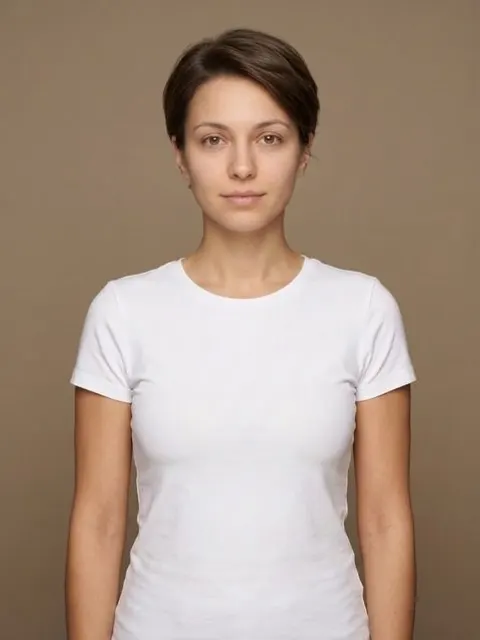
- Open the haircut simulator and add a photo with your hair down and your face to the camera.
- Choose Women or Men, then a length. Every style in the grid can be simulated on your photo.
- Press the button and wait about a minute. Slide between your original and the new cut, and download it.
How accurate is a haircut simulation?
It’s accurate about the things that decide whether a cut suits you: length, outline, where the weight sits and how it frames your face. It can’t know how your hair behaves on a humid Tuesday. Treat the result as a very good sketch on your own face, then use our guides to check the cut against your face shape and hair type before you book.