 Hairset
What the beard filter shows you
It draws the beard onto your own face in your own hair color, following your jaw and your cheek line, and leaves everything else in the photo alone. It works in both directions: add a beard to a clean-shaven face, change the shape of the beard you have, or see yourself clean shaven without picking up a razor.
 After

Beards to try first
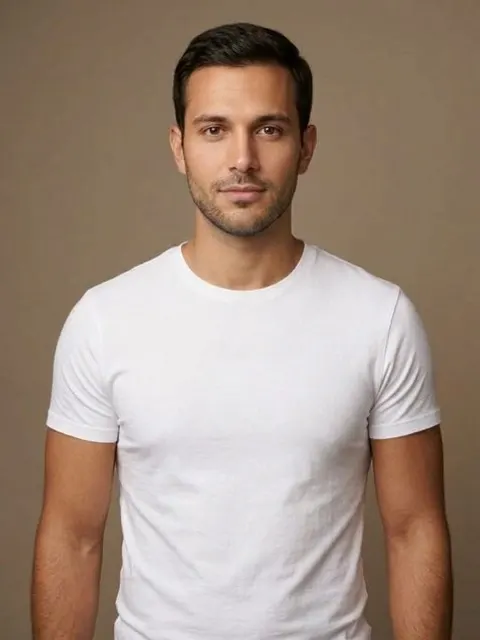
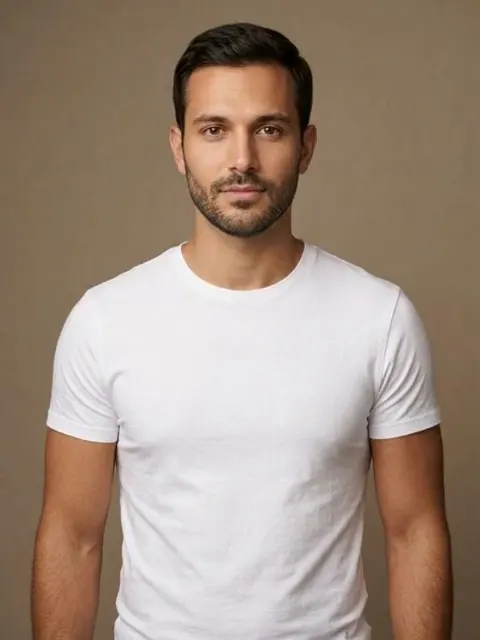
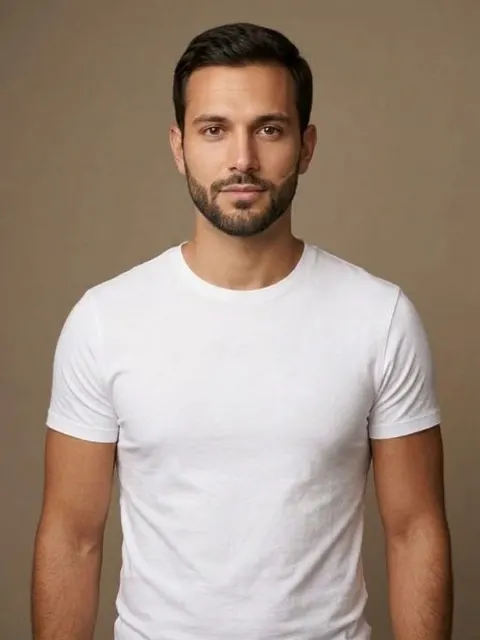
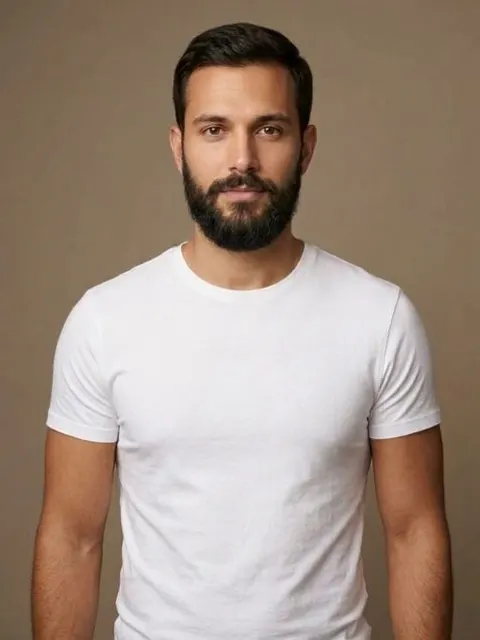
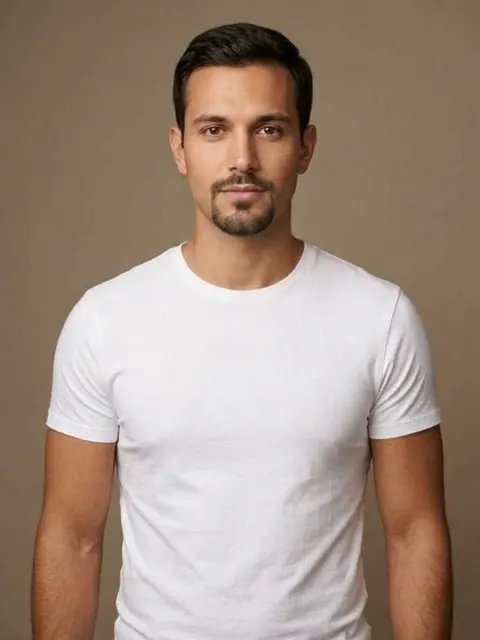
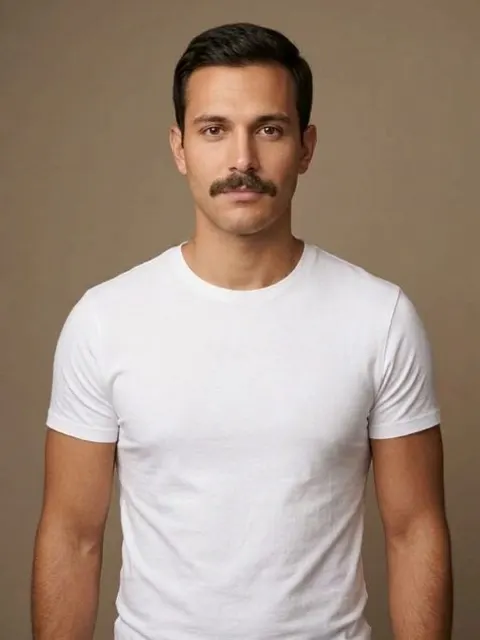
| Style | What it does | Upkeep |
|---|---|---|
| Stubble | Adds definition to the jaw with almost no length | Trim every 2 to 3 days |
| Short boxed beard | Squares off a round or soft jawline | Line it up weekly |
| Full beard | Adds length and weight to the lower face | Wash, oil and shape |
| Goatee or circle beard | Lengthens a round face, covers a weak chin | Shave the cheeks every few days |
| Mustache | Changes the face without committing the jaw | Trim the lip line weekly |
Which one suits you depends mostly on your jaw and your face length. Beard styles for face shape explains the logic, and the beard styles guide shows all 30.
How to try a beard on your photo
- Open the beard filter and add a photo, facing the camera, with your jaw visible.
- Pick a beard. Start with stubble and a short boxed beard: they’re the two most people can actually grow.
- Slide between before and after, then try the cut that goes with it from the Hair tab.